



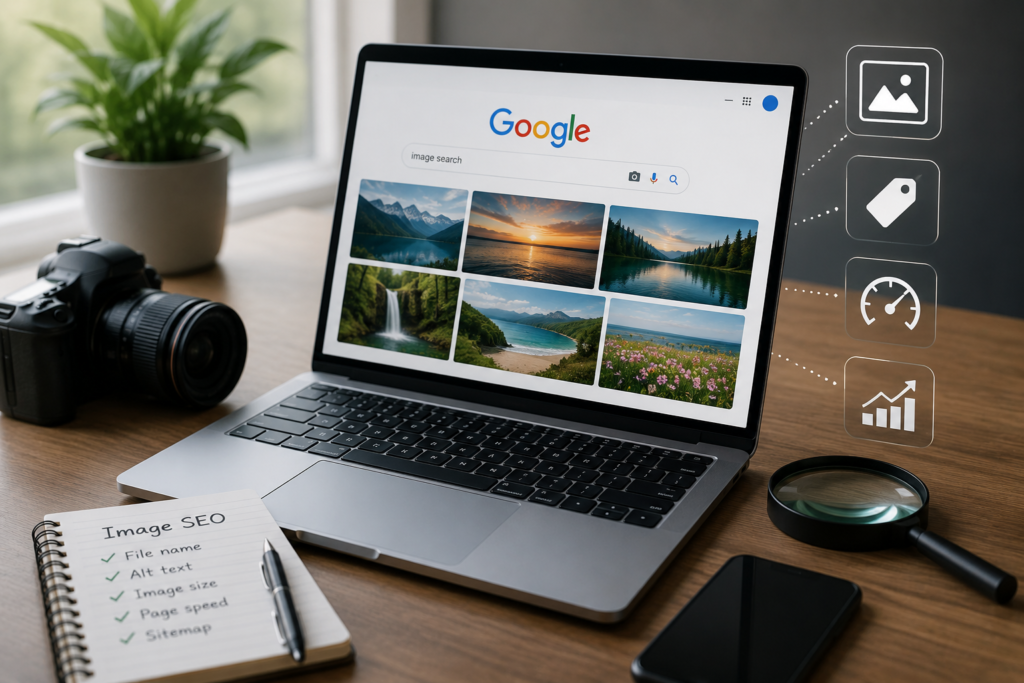
I once had a client send me a product photo, asking where it came from. Ten minutes later, I had the original source, two other sites using it without credit, and a higher-resolution version. That is the entire point of learning image search techniques: you stop guessing about a photo and start finding real answers about it.
This guide is part of our SEO Tools category, under Image Search Techniques. Below are the methods people actually use to trace a photo back to its source, find similar images, and check if something online is real.
What Are Image Search Techniques?
Image Search Techniques are the different ways you can search using a picture instead of typing words. Instead of describing what you are looking for, you upload the image or paste its link, and the search engine finds matches, similar photos, and pages where that image appears.
This comes in handy more often than people expect. Writers use it to check if a photo is stolen. Shoppers use it to find a product from a screenshot. Parents and daters use it to check if a profile picture is real. Marketers use it to build backlinks from sites already using their images.
Reverse Image Search: Find Where a Photo Came From
This is the core technique. You take an image, upload it or paste its URL into a search tool, and it shows you every place that image appears online.
How to do it:
- Save or copy the image you want to search
- Upload the file, or paste the image link if it is already online
- Review the matching results and open the pages that look relevant
This works well for checking who is using your photos without permission, or for tracking down the original creator of an image you found somewhere else.
Search by Image on Google Lens
Google Lens is built into the Google app and Chrome. Point your camera at an object, or upload a photo, and Lens tries to identify it and pulls up similar images and shopping results.
It works best for:
- Identifying plants, animals, or landmarks
- Finding where to buy a product you saw in a photo
- Translating text that appears inside an image
Try TinEye for Fast Source Tracking
TinEye focuses on one thing: finding the exact origin of an image. It is faster than most tools when you only need to know where a photo first appeared and how old it is.
Upload the image or paste the link, and TinEye returns a list of matches sorted by the date each one was first indexed. This makes it useful for confirming which copy of an image is the original.
Try Yandex for Faces and Harder Matches
Yandex often finds matches that Google and TinEye miss, especially for faces and people. If you are trying to verify a profile picture or check if someone is using a fake photo, Yandex is worth a try alongside Google.
Search by Keyword Instead of Image
Sometimes you do not have a clear photo, only a rough idea. Typing a keyword into an Image search techniques tool pulls up related pictures based on what you describe, which helps when your original image is blurry, cropped, or low quality.
Verify Images and Spot Fakes or Edits
Reverse search is also one of the fastest ways to catch a manipulated or out-of-context photo.
What to check:
- Does the image show up attached to older, unrelated news stories
- Are there multiple versions of the same photo with different captions
- Does the earliest indexed version match the story it is currently attached to
If a photo is being used to support a claim, checking its original source takes less than a minute and tells you a lot.
Reverse Image Search on Mobile
On a phone, open the photo, tap share, and choose search by image if your browser supports it. If not, upload the photo directly into Google Lens or a browser-based tool. Most reverse search tools now work fully on mobile, so you do not need a desktop to trace a photo.
Common Reasons People Use These Techniques
- Finding sites that stole an image search techniques to request a credit or backlink
- Identifying an unknown object, place, or product
- Checking if a profile picture belongs to a real person
- Finding a higher resolution or a different version of an image
- Confirming whether a viral photo is genuine or edited
If you want to run any of these searches right now without switching between five different sites, our free reverse image search tool checks Google, Yandex, and TinEye in one place. No signup, and nothing you upload gets stored.
Frequently Asked Questions
Is reverse image search free?
Yes. Google Lens, TinEye, and Yandex are all free to use, and most reverse search tools, including ours, do not require an account.
Can I reverse search an image on my phone?
Yes. Most mobile browsers support uploading a photo directly into a reverse search tool, or you can use the Google app and Google Lens.
Which tool finds people the best?
Yandex tends to return more accurate face matches than Google or TinEye, which makes it a good second check when verifying a profile photo.
Can reverse Image search techniques detect AI-generated images?
It can help. If an image has no earlier indexed version anywhere online, that is often a sign it was generated rather than photographed. It is not a perfect test, but it is a useful first check.
Written by Iqra
SEO Expert & Content Strategist | seobyiqra.com
Iqra is an SEO specialist who has ranked websites in competitive niches, including legal, healthcare, dental, and e-commerce. She writes from real campaign results, not textbook theory. Every strategy she shares has been tested on live websites with measurable outcomes.